
Download
How to Check an APK Before Installing It
General Android checks, with Tiranga searches as the example. No package is attached.
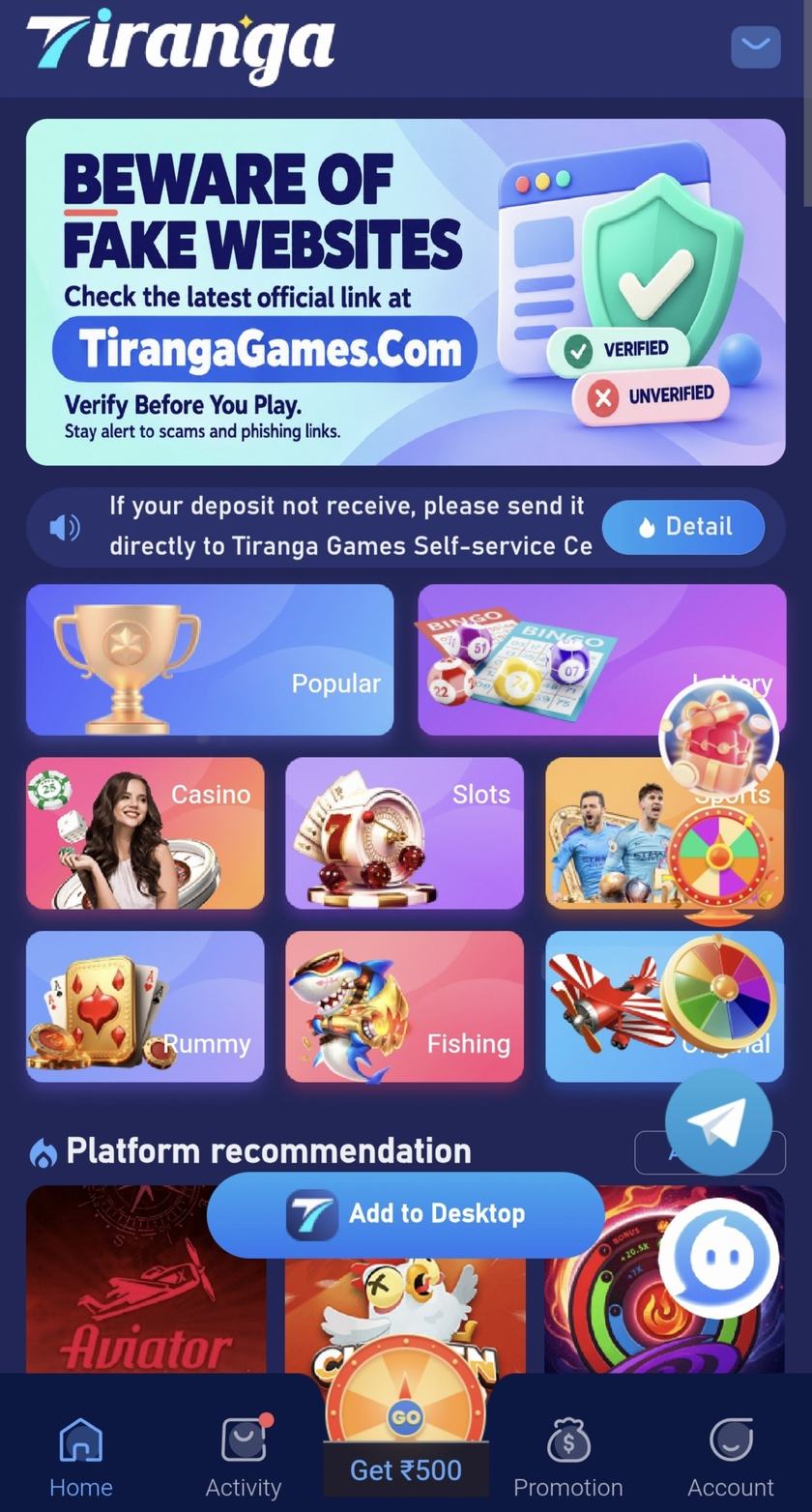
An APK is an Android package that can be installed from outside a store. The person who uploaded it can change it and upload it again. These checks apply to any sideload, including files people attach to Tiranga searches. This page does not attach a package.
Start with the source
A store listing has a developer name and a removal path. A file from a comment, a catalogue, or a shortened link has neither until you can tie it to a publisher you already know. A familiar icon is not that tie. The Tiranga-specific version of this warning is the APK guide.
Then look at the file itself
- Leave Play Protect, or your phone maker’s equivalent, switched on. That is a general Android control.
- Read the permission list before you tap install. SMS, contacts, accessibility, and device admin are out of proportion for a colour or number game. The permissions article explains why.
- Refuse “old version” and “mod” wording. Older and modified packages are a common place to hide extra code.
- If a login page starts a download by itself, stop. Signing in and installing software are different acts.
What these checks cannot do
They cannot see inside a package you have not inspected with the right tools, and this site did not publish a hash you can compare. A clean-looking checklist is not a malware scan. If you do not need the app, do not install it.