
Download
Common Tiranga App Installation Problems
Failure patterns only. The APK guide holds the longer install decisions.
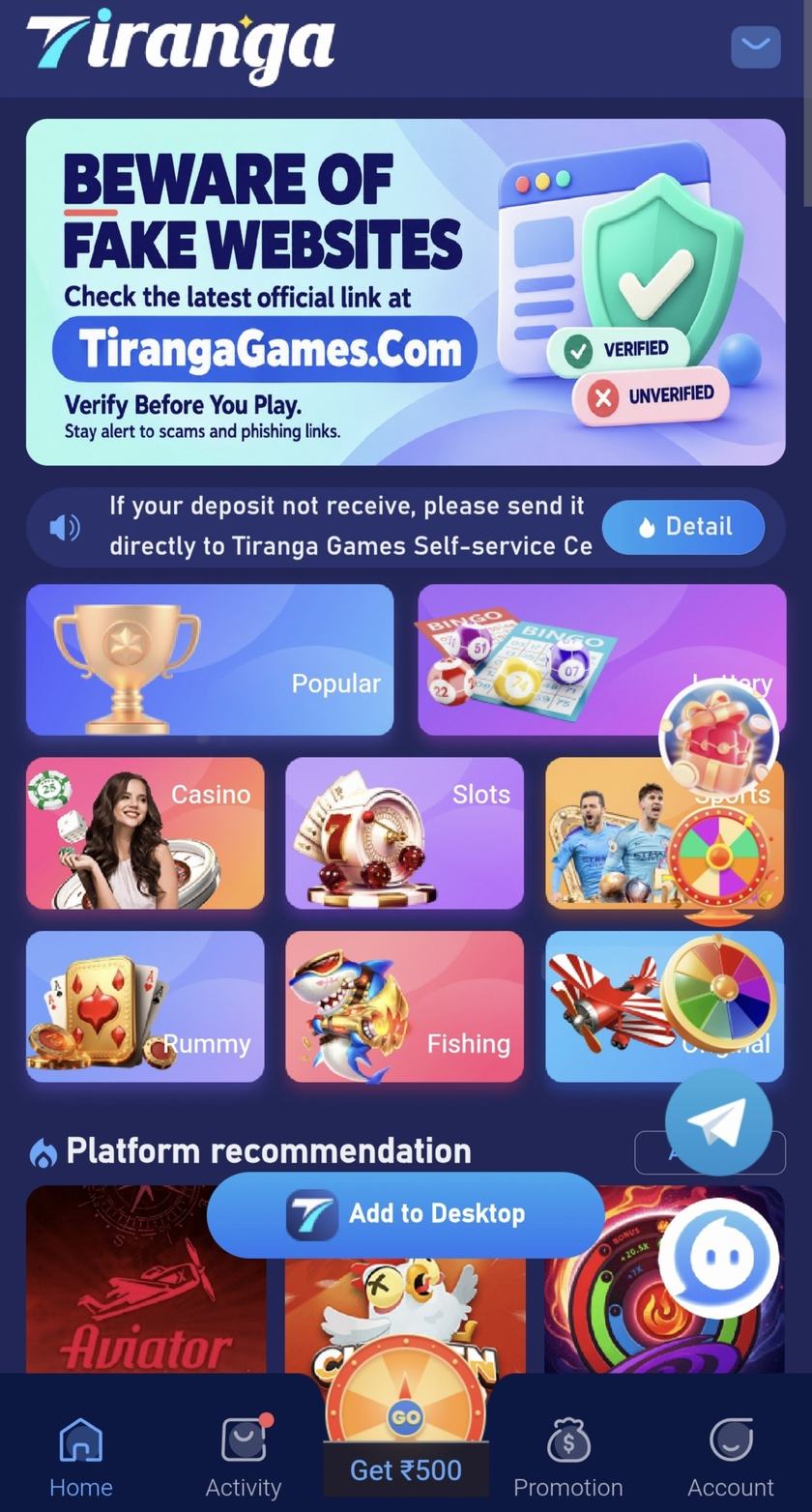
An install that stops is a symptom, not a puzzle to beat with a second file. This note lists the patterns. The decisions sit on the APK guide. No version, file size, or scanner score is given, because this site has not verified those facts.
Warnings that mean stop
- Android says the file is from an unknown developer, and the only instruction you were given is to ignore that sentence.
- Play Protect, or the phone maker’s scanner, flags the package. Those tools are not perfect. A warning is still a reason to cancel.
- The page that offered the file also promised a bonus, a code, or a guaranteed result. The promise is not a review of the file.
- A message tells you the “real” app is an older or modified package. That swap is a common way to add unwanted code.
When the installer just sits there
Free some storage and try the same file once. If the system refuses again, leave it refused. Turning off every security control to force the install removes the only check you still had. The download button on tirangapp.in opens https://urlr.to/tiranga (opens in a new tab). If that short link fails, do not hunt for a lookalike button. The troubleshooting page is the map of next steps, and it does not offer a spare installer.
After a bad install
Uninstall the app, revoke the browser’s permission to install unknown apps, and change passwords you typed afterwards from a device you still trust. If money moved, use the reporting routes on responsible gaming. A new APK is the wrong repair.